What YAFFA extracts from a document
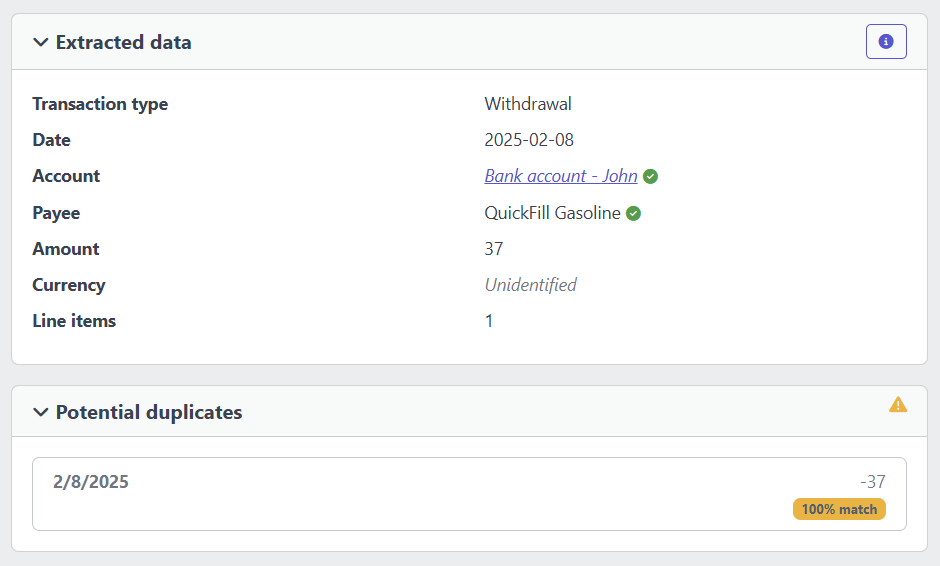
- Transaction date and amount
- Payee - matched against the payees you have already set up in YAFFA
- Account - matched against your existing accounts
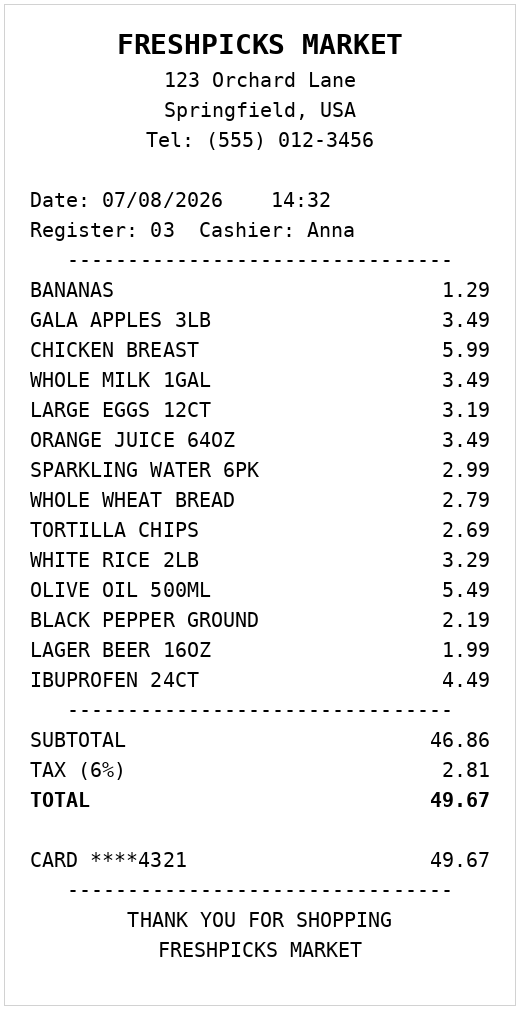
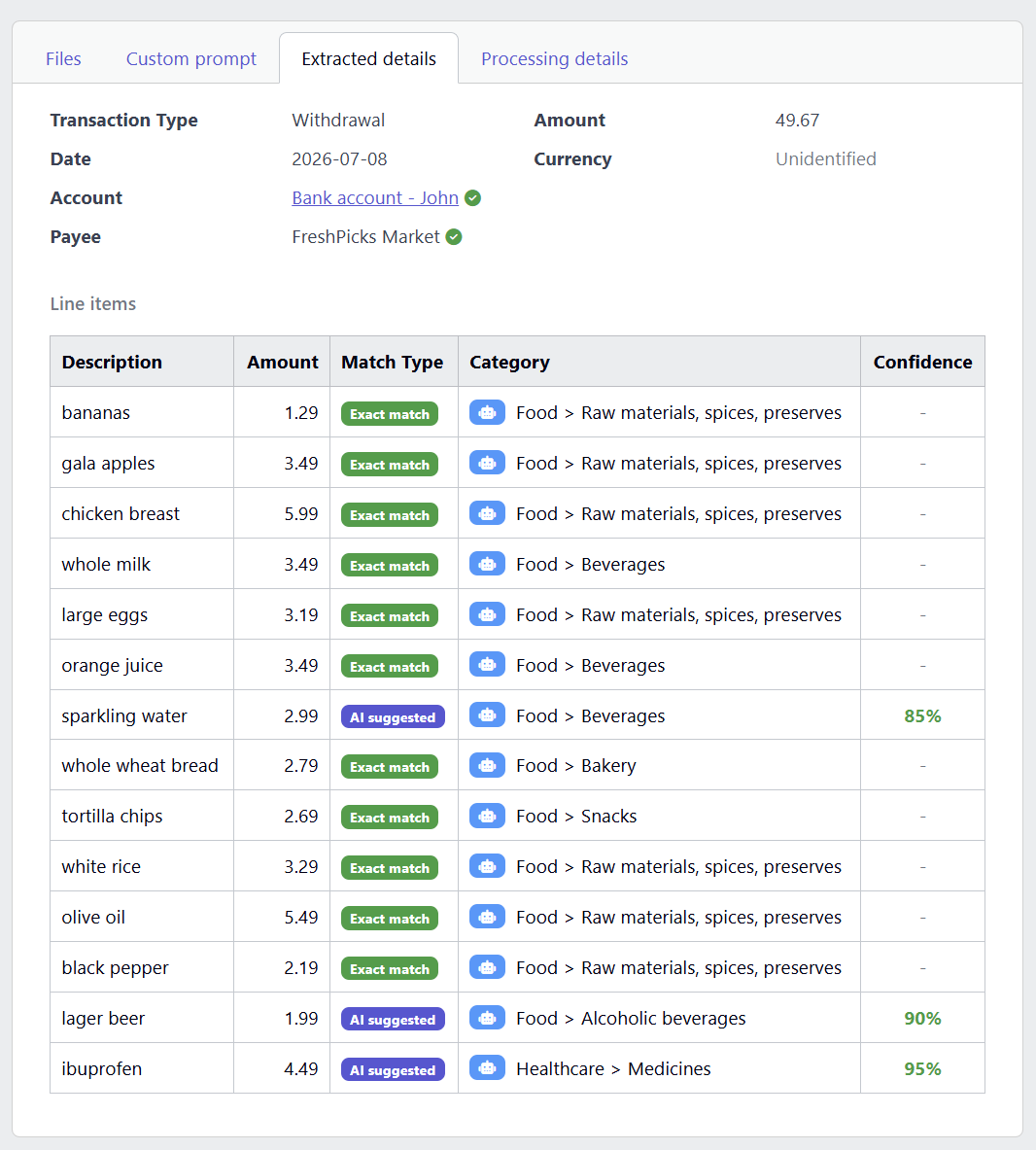
- Individual line items with suggested categories - for receipts that break down the purchase into multiple goods or services
YAFFA learns from your past categorization choices. When the same item description appears again in a future document, it reuses the category you used before - so the suggestions become more accurate the more you use the feature.
Document sources
You can submit documents in three ways:
Manual upload
Upload a file directly from your device - PDF, JPG, PNG, or plain text. Useful for paper receipts you have photographed or scanned, and for invoices saved as PDF.
Email forwarding
Forward a receipt or order confirmation email directly to your YAFFA instance. The email body is processed automatically and a draft appears in your document queue without any additional steps.
Google Drive sync
Point YAFFA at a Google Drive folder. Any file you drop into that folder is picked up automatically and processed without you having to open YAFFA at all.
How text is extracted from documents
YAFFA uses different extraction methods depending on what you submit:
- Text-based PDFs - text is extracted directly, no AI image recognition needed.
- Images and scanned documents - processed using Tesseract OCR (self-hosted, free) or a vision-capable AI model such as GPT-4o or Gemini, depending on your configuration.
- Plain text files and emails - read directly.