More from the dashboard
Two more widgets round out the picture: one that gets smarter as you use YAFFA, and one that helps you get started in the first place.
A smart category suggestion for a payee
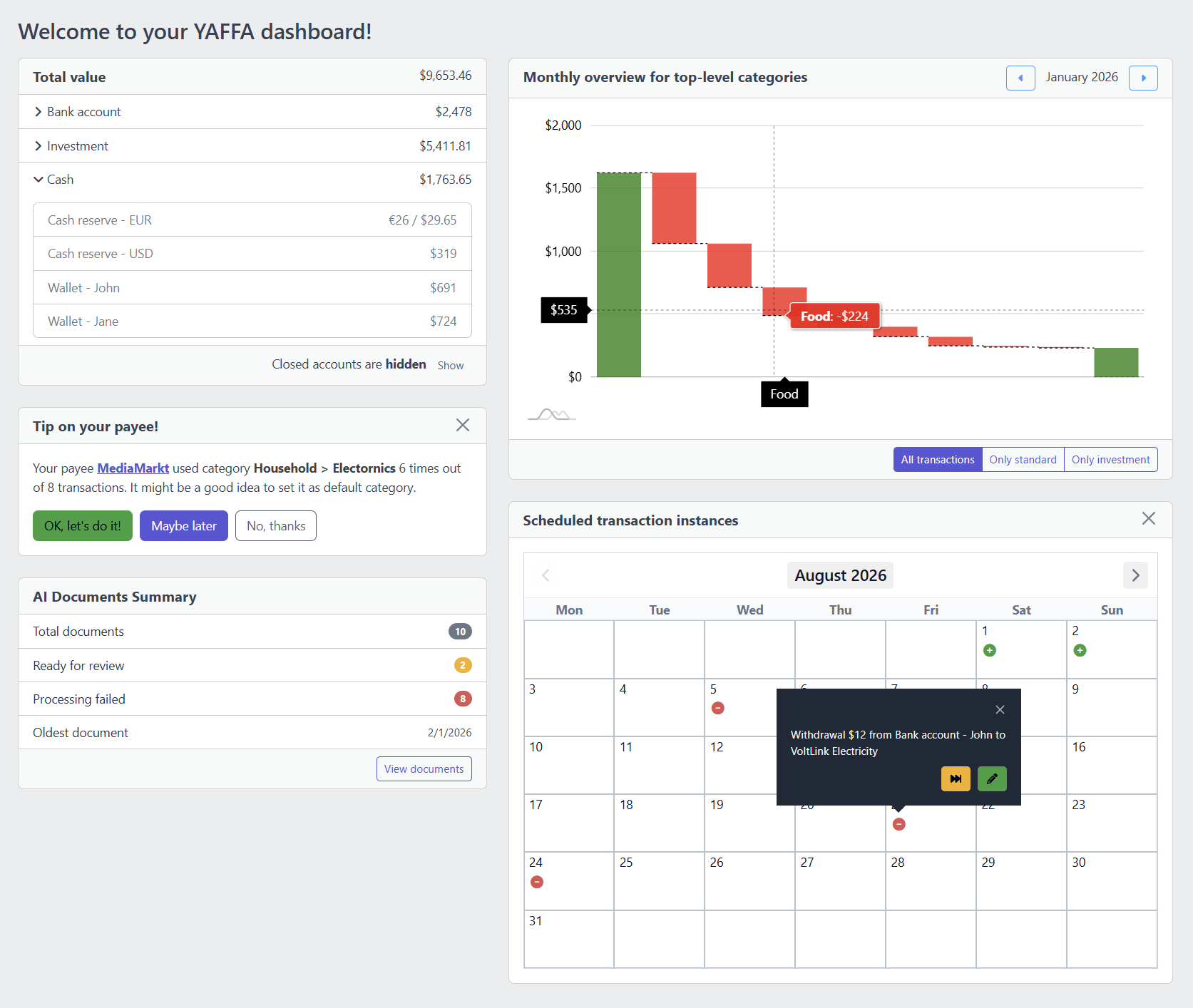
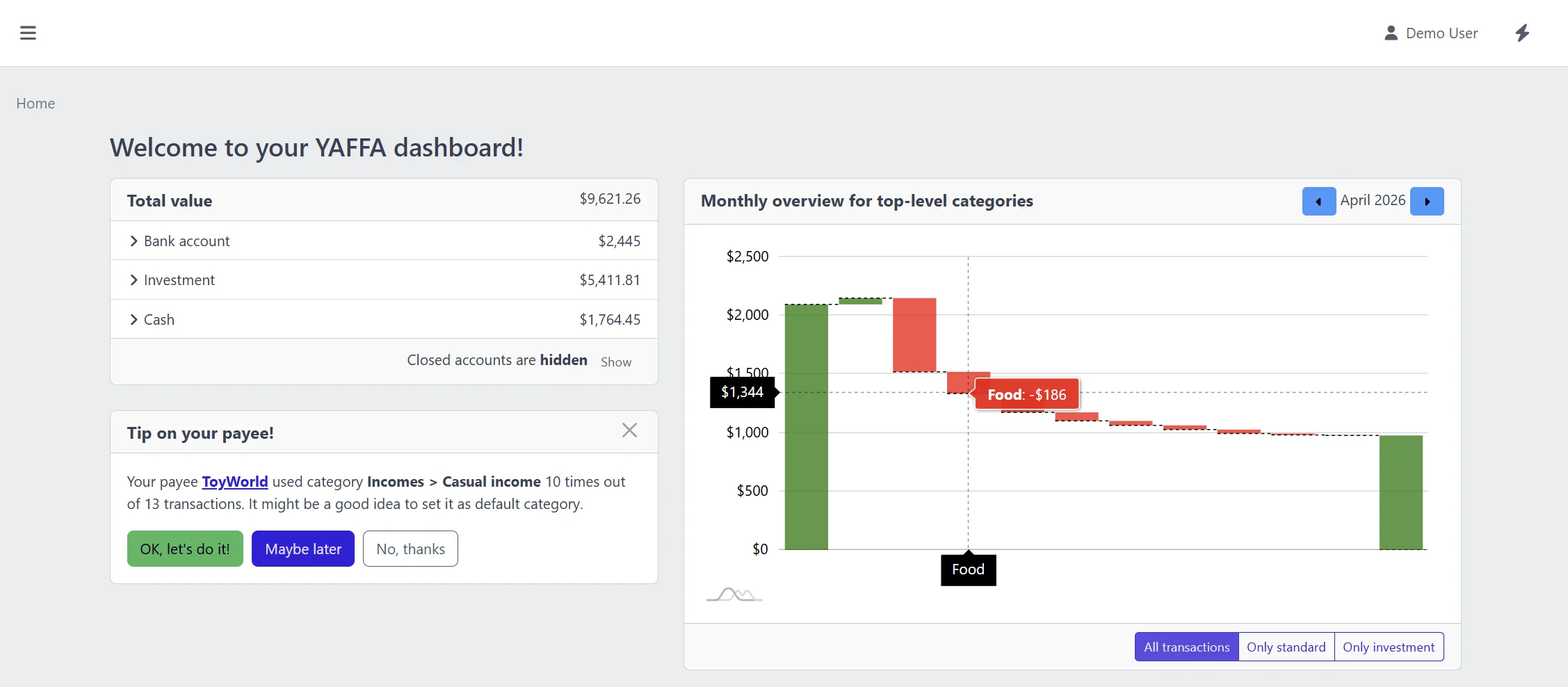
YAFFA watches your transaction history and, when it notices that you consistently categorize a particular payee the same way, it surfaces a suggestion to set that as the default. Accepting it takes one click and improves every future transaction with that payee. You stay in control - you can accept, defer, or dismiss each suggestion.
A first-use setup checklist
When you are just starting with YAFFA, the dashboard guides you through the essential steps - adding a currency, setting a base currency, creating your first account group and account, adding payees and categories, and recording your first transaction. Each step is marked complete as you finish it, so the checklist shrinks and the useful content takes over as you build out your financial structure.
Dashboard vs Reports - knowing which to use
The dashboard answers the question How am I doing right now? It is optimized for speed and everyday awareness. The reports section answers deeper questions: How did last quarter compare with the one before? Am I on track with my grocery budget? What does my investment timeline look like? Use the dashboard for your daily check-in; use reports when you want to interpret, compare, and plan.
A home screen that rewards consistent recording
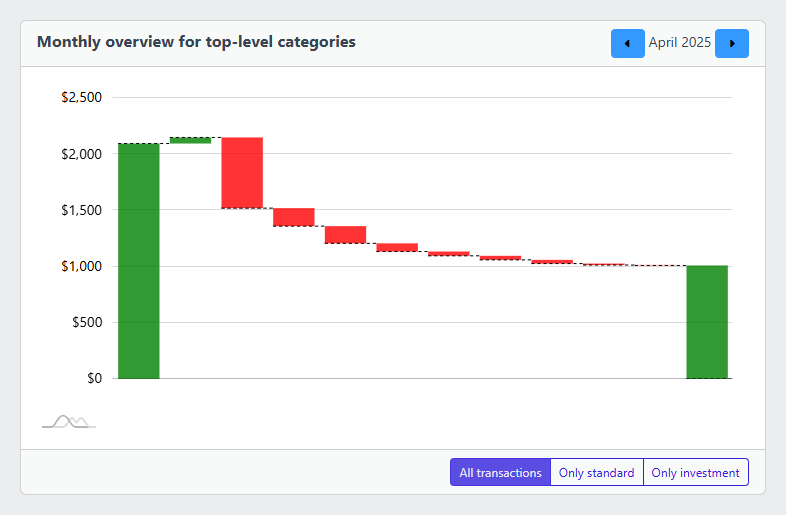
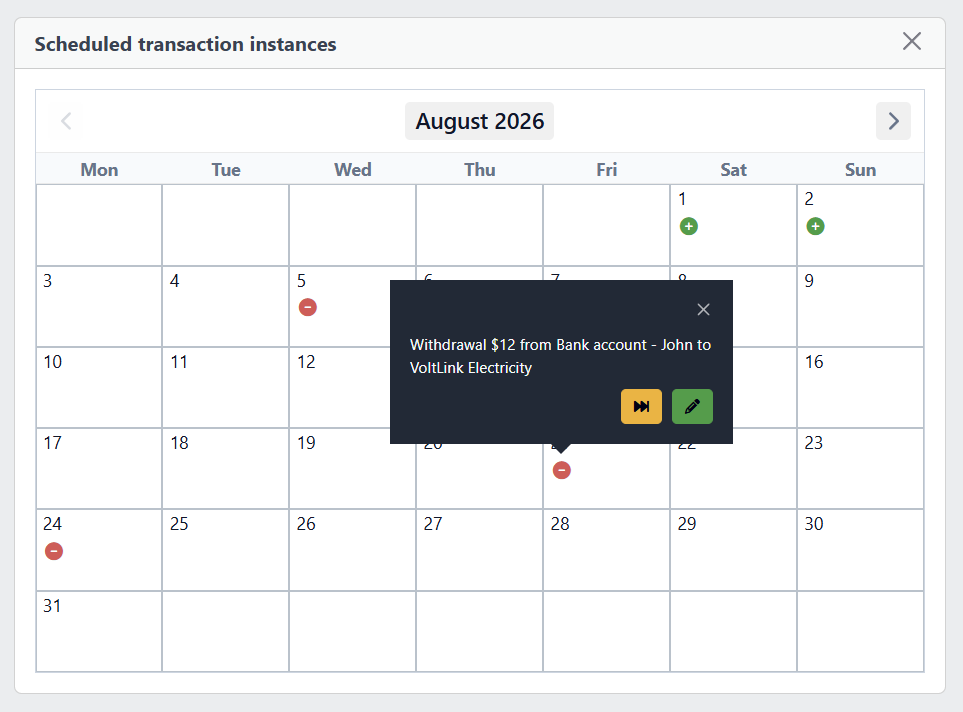
Every widget on the dashboard draws from the transactions, schedules, and asset data you have recorded. The more consistently you track, the more useful the dashboard becomes. Account totals become trustworthy, the category chart becomes a genuine month-to-month narrative, and the schedule calendar gives you a realistic view of what is coming - because the underlying data reflects your actual financial life rather than guesswork.