
How YAFFA helps
Two views keep your plan honest
1
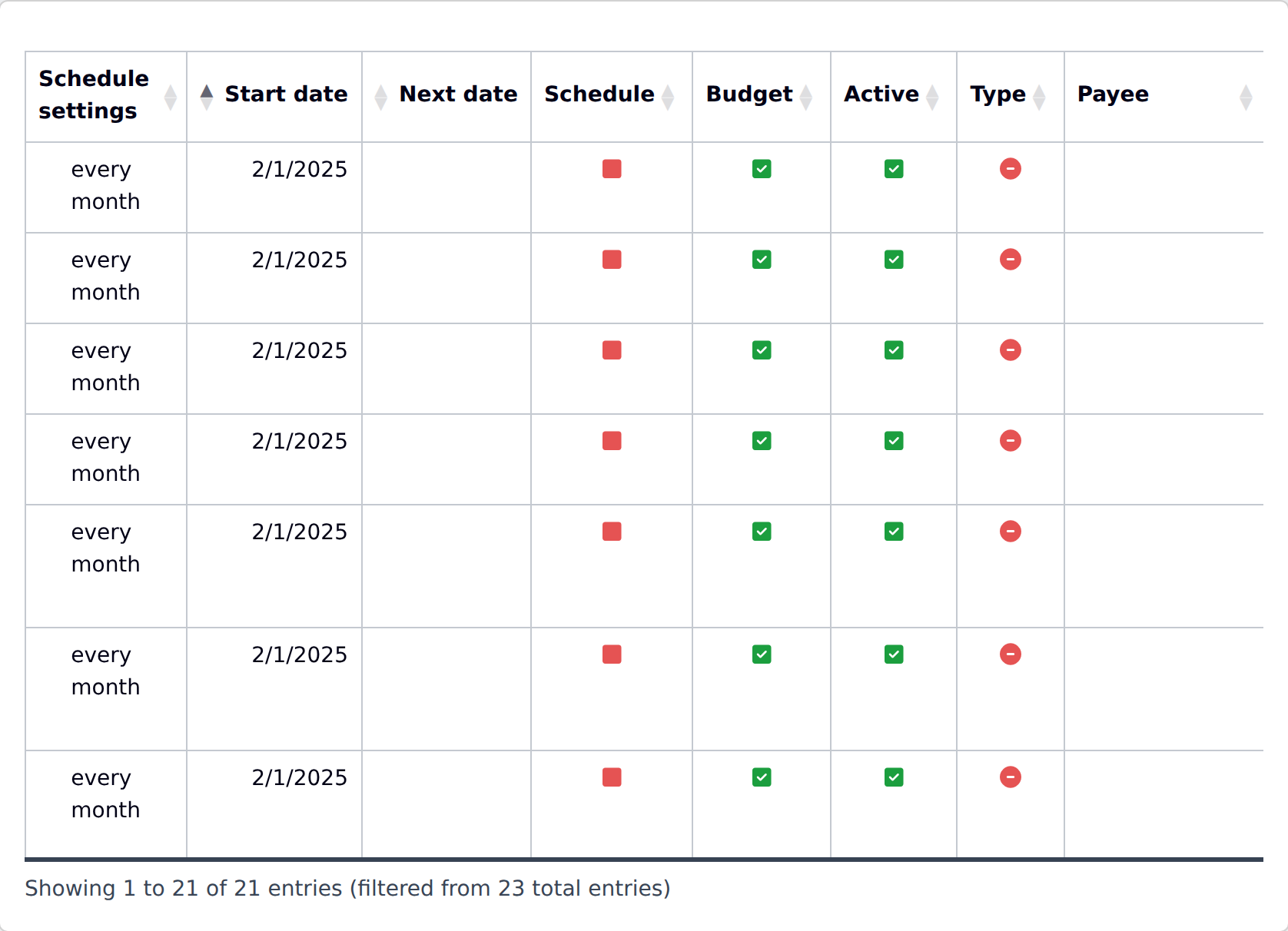
Schedules & Budgets
One list of every scheduled transaction and standalone budget, with overdue or upcoming ones flagged — and the place to create new budgets. See Budgets & Scheduled Transactions.
2
Category-based budget history
Actual spending against the plan, by category, over months or quarters. See Budget Chart.
What this looks like day to day
- Open the Schedules & Budgets list, anything overdue or about to trigger is highlighted.
- Fix, skip, or update items that no longer reflect reality, right from the list.
- Check the category budget chart to see whether a category is drifting from the plan or holding steady.
Worth knowing
The forecast-style views are only as good as the schedules and budgets behind them, YAFFA won't flag a plan as unrealistic if it hasn't been kept up to date first.