
Personal finance is not only about the past
Recording what has already happened is the foundation of financial awareness. But knowing what is coming - recurring rent, expected salary, planned grocery spending - is what turns awareness into control. YAFFA bridges the two with scheduled transactions and budgets: two forward-looking tools that live side by side, and both feed the same reports.
Both are about the future. The distinction is in how certain that future is.
Scheduled transactions - for events you know will happen
A scheduled transaction answers the question: what real financial event do I expect to happen again, and when?
Use a schedule when the event itself is known - monthly rent, a regular salary payment, a loan instalment, a recurring investment purchase. You define the amount, the account, the payee, and the recurrence pattern. YAFFA does the rest.
See upcoming events before they happen.
Scheduled transactions appear in the dashboard calendar so you can see what is coming in the days and weeks ahead - salary, bills, subscriptions - without having to remember them manually.
Speed up transaction entry for recurring events.
When a scheduled event becomes reality, entering it takes a single action. YAFFA creates the actual transaction from the schedule template, pre-filled with all the details you have already defined.
Let YAFFA record routine events automatically.
For transactions you simply want captured without manual confirmation - a fixed direct debit, for example - you can enable automatic recording. YAFFA will create the historical transaction when it falls due.
Project future balances with confidence.
Scheduled transactions feed the forecasting features in YAFFA's reports, giving you a projected view of account balances and cash flow before the actual dates arrive.
Control the recurrence exactly.
Set the frequency (daily, weekly, monthly, yearly), interval, start date, and an optional end date or occurrence count. For monthly and yearly plans you can also pick patterns such as “the first Wednesday of every month”, “the last Friday of November”, “5 days before the end of the month”, or “the last business day of the month”. When a schedule is no longer needed, replacing it closes the old version and starts a fresh one - preserving the history of what was planned.
Plan for rising prices.
Add an optional annual inflation rate and the amount compounds in your forecasts, stepping up at each new calendar year. It only affects projections - when you enter a due instance, the amount is pre-filled exactly as you defined it, and you record what you actually paid.
Budgets - for spending targets you want to track
A budget answers a different question: how much do I expect or allow myself to spend in a given area over time?
Use a budget when the spending expectation is known, but the exact real-world transaction is not fully defined yet. Your monthly grocery spending has no fixed date, no fixed payee, and no fixed amount - but you still want a target to measure yourself against. A budget captures that intention at the category level so YAFFA can compare what you planned with what you actually spent. A budget is a standalone entry: there is no placeholder transaction behind it.
Set category-level spending or income targets.
Define a monthly grocery budget, a weekly eating-out allowance, or an expected income figure for a category. A target can apply to the category in general, or be tied to one specific account - and both can exist for the same category. Budgets use the same recurrence options as schedules, including the inflation rate.
Compare plan against reality in reports.
Budgets feed the budget chart, where you can see your intended spending next to what actually happened - by category, by month, or across a longer period. Each period's total can be broken down into the budgets and schedules that make it up, so you always know where a number comes from.
Inform your cash flow forecasts.
Even when individual transactions are uncertain, budget entries give YAFFA enough information to project category-level expectations forward in time. A budget tied to an account also feeds that account's own balance forecast.
When to use a schedule, a budget, or both
You do not have to choose up front. A scheduled withdrawal or deposit with categorized items automatically counts toward the category budget comparison. Your monthly rent, scheduled once, is both a recurring known event and part of your planned spending.
Add a standalone budget when there is no single transaction to schedule: a general grocery or eating-out target, for example. The practical rule: schedule the events you can name, and add a budget for the spending you can only estimate.
Both count toward the same category total, so avoid covering the same spending twice - for instance a scheduled rent payment and a rent budget. The breakdown under the budget chart shows exactly which entries make up each total.
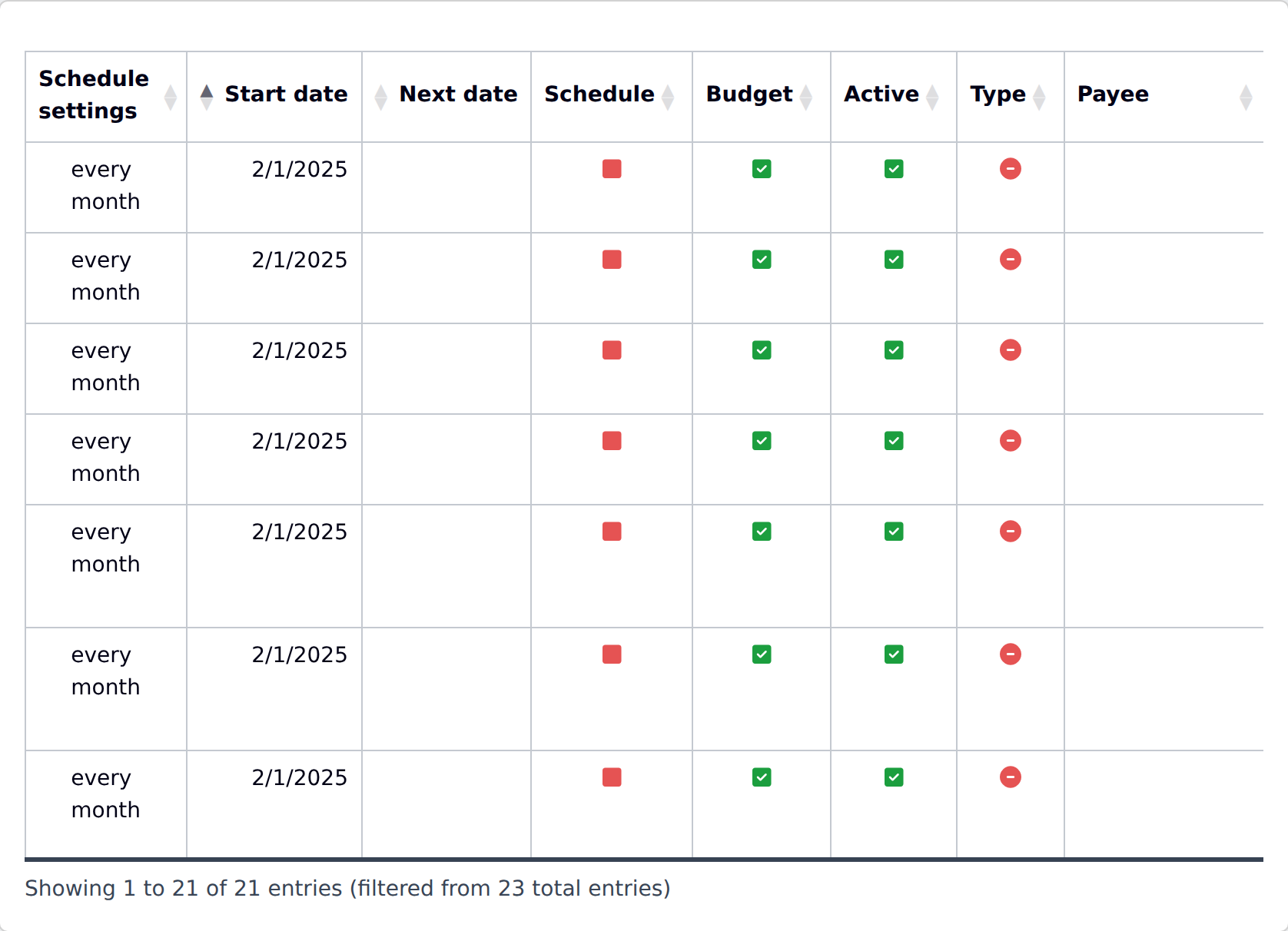
Schedules and budgets are created and maintained together in one list, under Reports → Schedules and Budgets.