
From bank export to reviewed transactions
Setting up a new account, switching from another app, or simply catching up after a busy month usually means dozens or hundreds of transactions to enter. Typing each one in by hand is not a good use of your time when your bank can already give you the full history as a file.
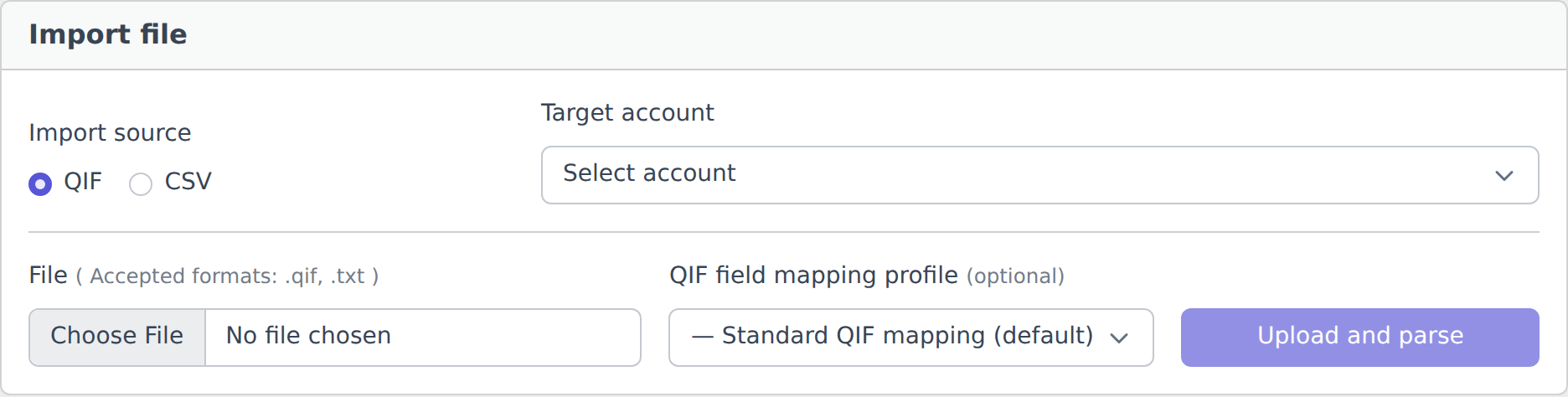
Upload that file and YAFFA parses it into a list of draft transactions for you to look over. Nothing is saved automatically. You review each row, adjust anything that needs correcting, and finalize the ones you want through the same transaction form used everywhere else in YAFFA. Rows you do not want stay as drafts and are simply left behind - the same review-first principle used by AI document processing.
Two formats, one workflow
CSV
Almost every bank can export account activity as CSV, but every bank formats it a little differently - different columns, delimiters, date formats, decimal separators. YAFFA reads your bank's specific layout using an import profile, so the same reliable parsing logic handles any CSV shape once it is configured.
QIF
QIF is a long-standing transaction interchange format supported by many banks and older finance tools. YAFFA reads standard QIF fields - date, amount, payee, memo, category - out of the box, with no setup required for most exports.
Import profiles: teach YAFFA how your bank formats its export
CSV layouts vary too much for a single parser to guess correctly every time, so imports are driven by a reusable import profile that describes how to read a given file.
- Built-in profiles - ready-made, maintained profiles for specific banks (for example, a Hungarian Raiffeisen export). Select one and start importing right away, with no configuration.
- Your own profiles - for any other bank, a step-by-step wizard walks you through delimiter, header row, decimal and thousand separators, and sign handling, then lets you map each column to a field - date, amount, payee, comment - with a live preview of the parsed values as you go. No scripting or technical knowledge required, and the file is only read locally in your browser while you set it up.
Once saved, a profile can be set as an account's preferred profile so it is pre-selected automatically the next time you import a file for that account.
If you already have an AI provider configured for AI document processing, the same key can be used to get a suggested starting profile from a short sample of your file - an optional shortcut you can still review and adjust before saving.
Duplicate detection, before you decide
Every draft is checked against your existing transactions using the same duplicate-detection logic and thresholds used elsewhere in YAFFA. Likely duplicates are flagged right on the review list, so re-importing an overlapping date range or accidentally uploading the same file twice does not silently create repeated entries. If a receipt for the same purchase was already processed through AI document processing, the draft points you to that document instead, so you can finalize the existing record rather than create a second one.
Nothing happens automatically
Parsing a file never creates a transaction by itself. Every draft keeps an explicit status - pending review, ignored, or finalized - and only rows you actively confirm through the transaction form become real transactions. There is no import history log kept on the server: the uploaded file is only used to produce the review list for your current session and is not stored afterwards.
This matches YAFFA's broader philosophy: importing your history should save you typing, not take away your ability to see and understand what is being recorded on your behalf.